
Contractor Scheduling and Dispatch Software
Plan jobs, crews, vehicles, routes, and customer communication from one connected schedule built for contractors and service businesses.
Taskavo keeps scheduling tied to the customer, project, crew, jobsite, and work that actually needs to get done — so your team isn't rebuilding the schedule in disconnected apps.
Manage the entire workday from one connected schedule
Contractor scheduling software helps service businesses organize jobs, assign employees and vehicles, manage routes, track project stages, and keep customers informed from one operational calendar.
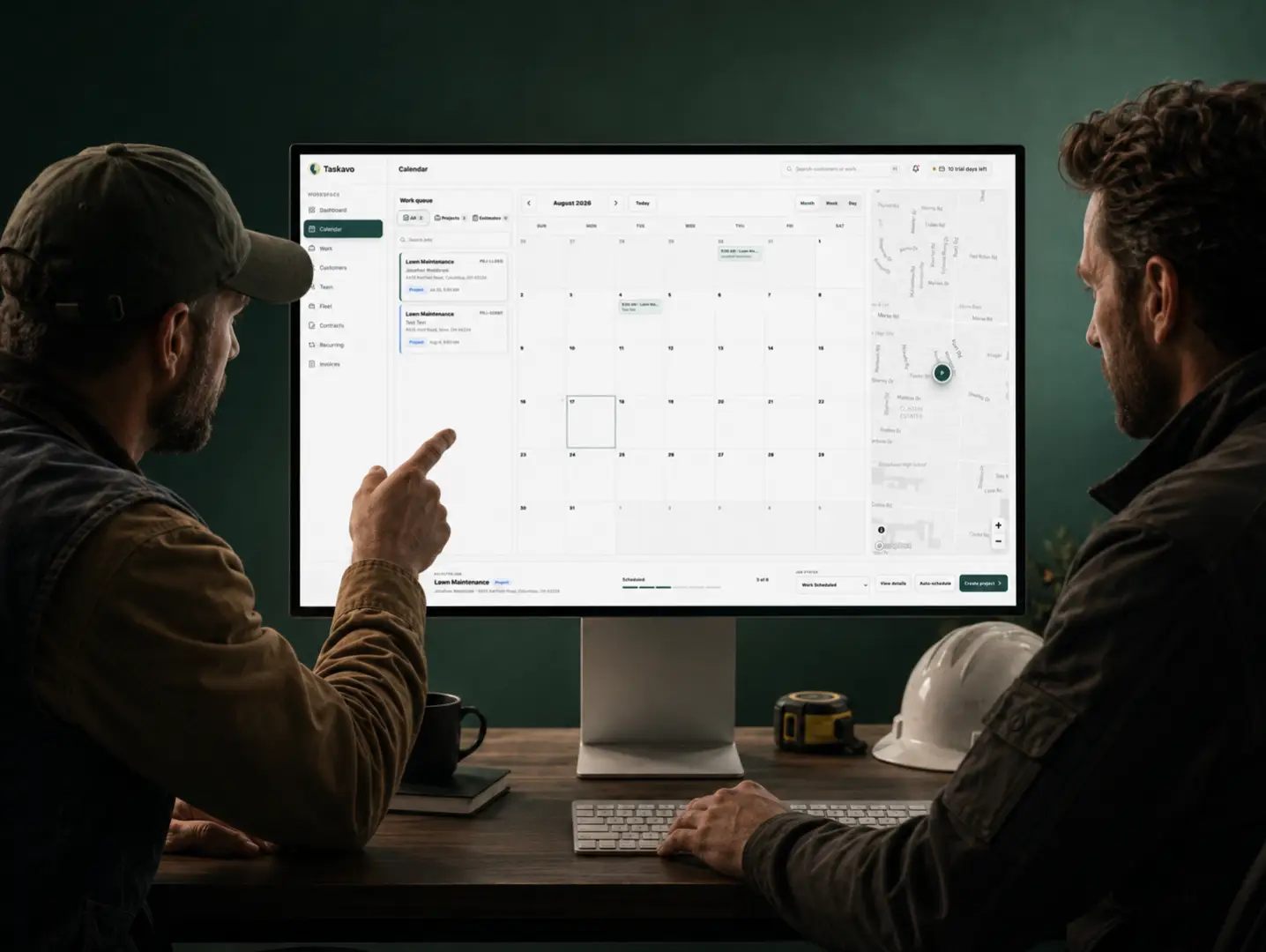


Contractor scheduling software built around the actual job
Scheduling a contractor isn't just putting a name on a calendar.
Every scheduled job has a customer, address, scope of work, assigned team, equipment, timing, notes, project status, and communication that has to stay connected.
Taskavo brings those details into the same workflow so your office and field team can see what is happening without piecing the job together from texts, calendars, spreadsheets, and separate
Schedule every job from one connected calendar
Keep estimates, active projects, recurring services, and scheduled work visible without maintaining separate calendars for different parts of the business. Taskavo keeps the schedule connected to the actual work record behind it.
Open a scheduled job and the information your team needs is already attached to it.
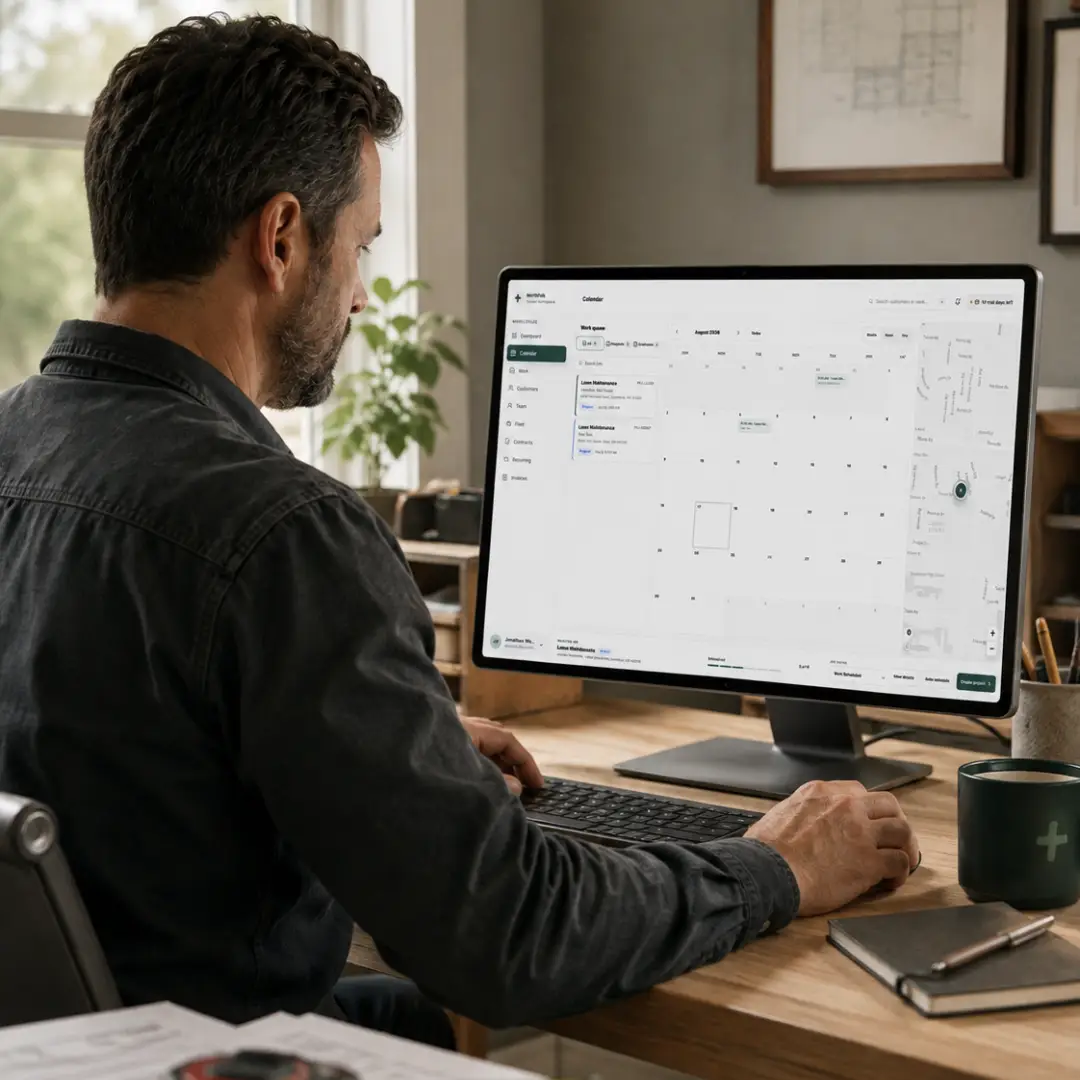
Assign the right crew and equipment before the job starts
Know who's responsible for the work before anyone arrives at the jobsite. Assign employees, crews, and fleet vehicles directly to projects so scheduling isn't separated from the resources required to complete the job.
Everyone works from the same project instead of relying on a separate crew spreadsheet or group text.

Build the day around where the work actually is
A full calendar doesn't automatically mean an efficient schedule, Taskavo lets you organize work using the job address, route group, route order, schedule, assigned resources, and project information already connected to each job.
Organize the day using the same information your team already uses to complete the work.
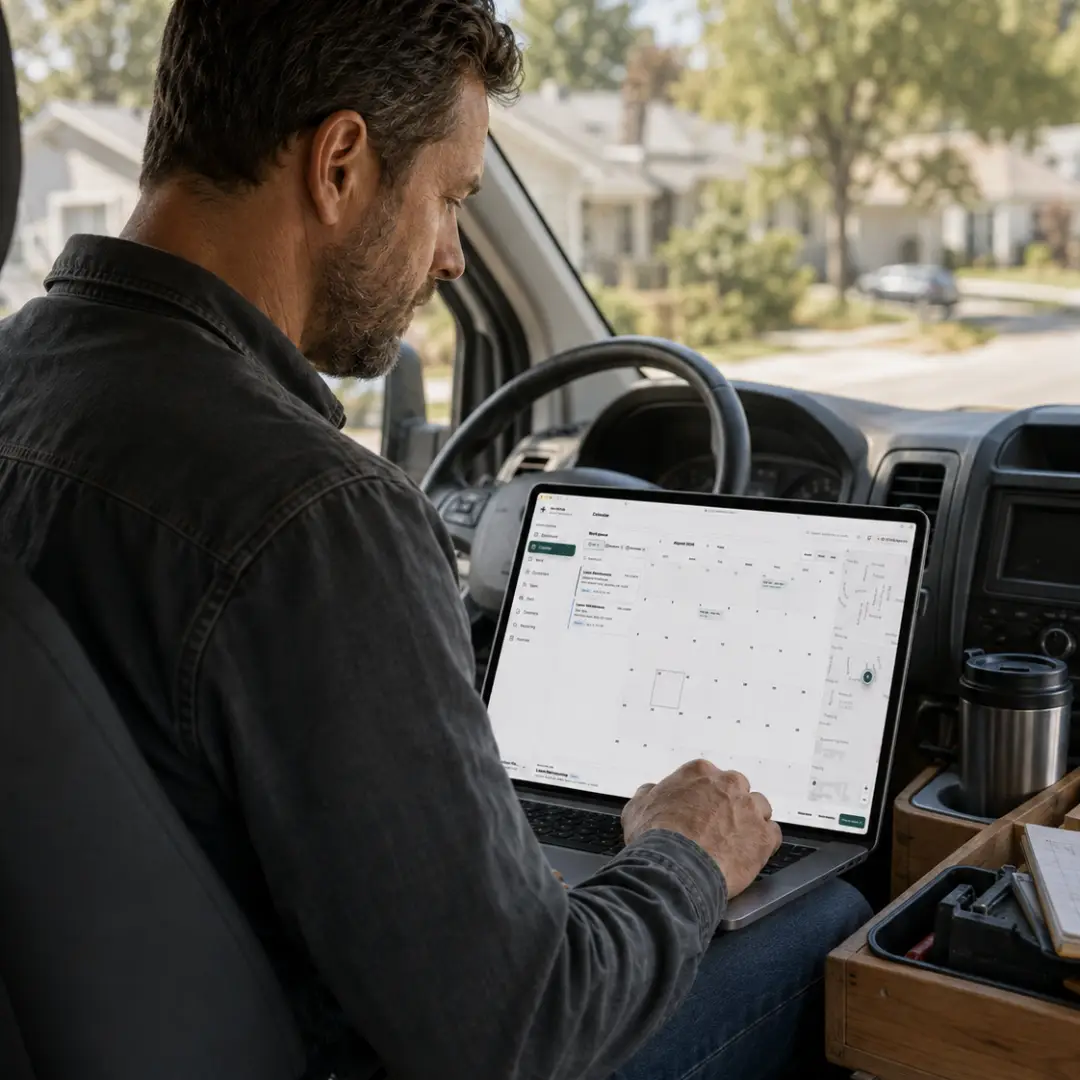
Keep customers informed when the schedule changes
Scheduling doesn't stop after a job gets placed on the calendar. Use the project record to manage customer reminders and send updates without searching for their contact information or recreating the details of the job.
When plans change, customer communication stays connected to the same job your team is managing.


Stop losing job details between the office and the field
A calendar entry usually tells someone when the work happens.
Your team also needs to know what they're doing, where they're going, who the customer is, what was sold, who's assigned, what equipment they need, and what has changed since the job was scheduled.
Taskavo keeps those details attached to the project so the schedule becomes an operational tool instead of another place where information gets copied.
One schedule. One crew plan. One connected job.
Schedule the work, assign the resources, communicate with the customer, and keep the project moving without rebuilding the same job across multiple systems.
Have Questions? Find Answers
Don't see the answer here? Reach out to our friendly support team members ready for you.
Contractor scheduling software helps service businesses organize appointments and projects, assign employees and equipment, manage job timing, coordinate routes, and keep job information connected to the schedule.
Stop rebuilding tomorrow's schedule every morning.
Keep jobs, customers, crews, vehicles, routes, and project information connected from the moment work is scheduled through completion.

 Sales · demos · product help · support