
Contractor Job Costing and Payment Software
Know what went into the job, protect your margin, invoice the work, and get paid without rebuilding the numbers after the project is finished.
Taskavo keeps pricing, materials, contracts, change orders, invoices, and payments connected to the same customer and job.
Know what the job is worth before you send the invoice
Contractor job costing software helps businesses connect project costs, pricing, markups, approved changes, invoices, and payments so they can protect margin and see what customers still owe.
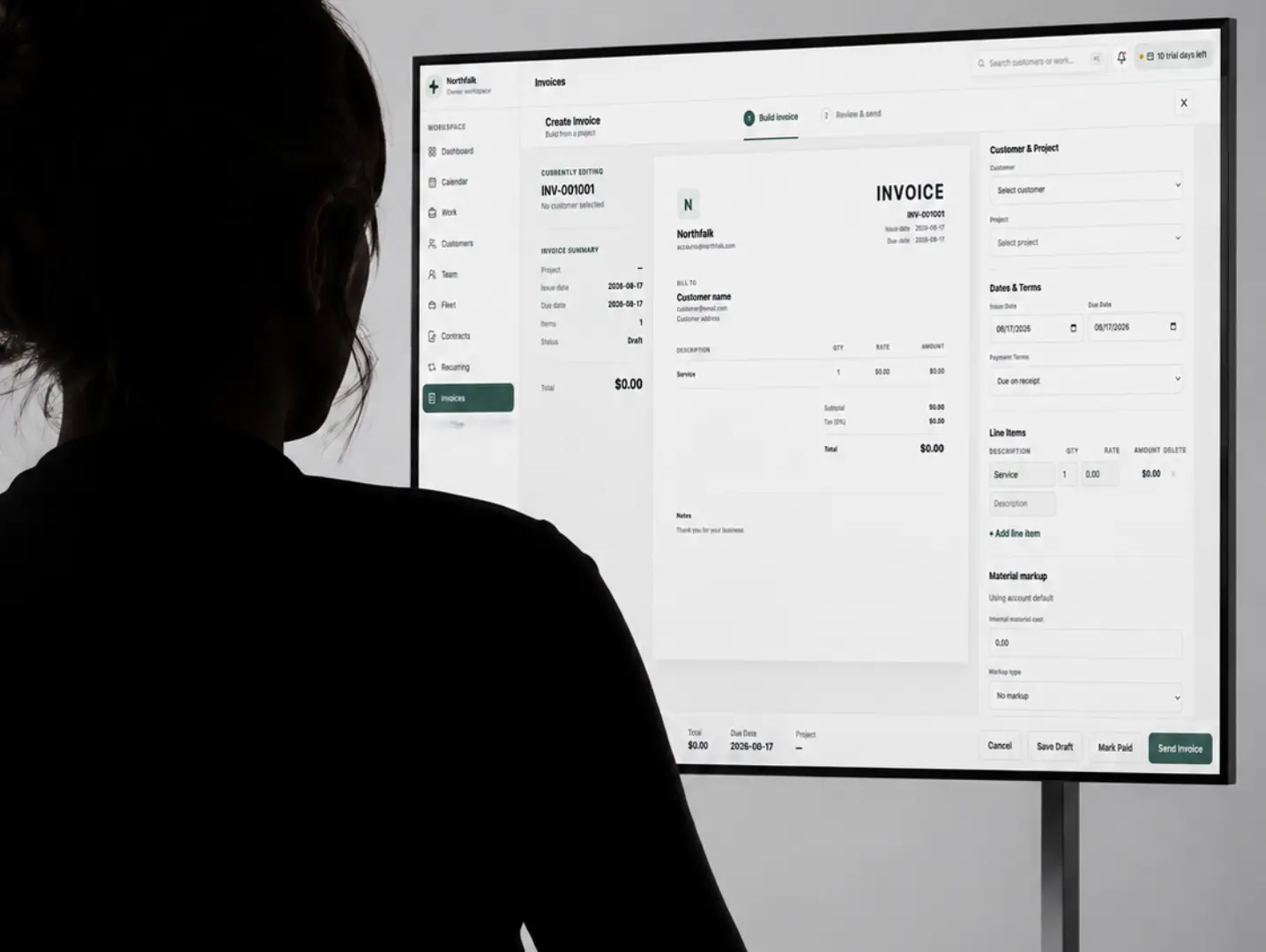

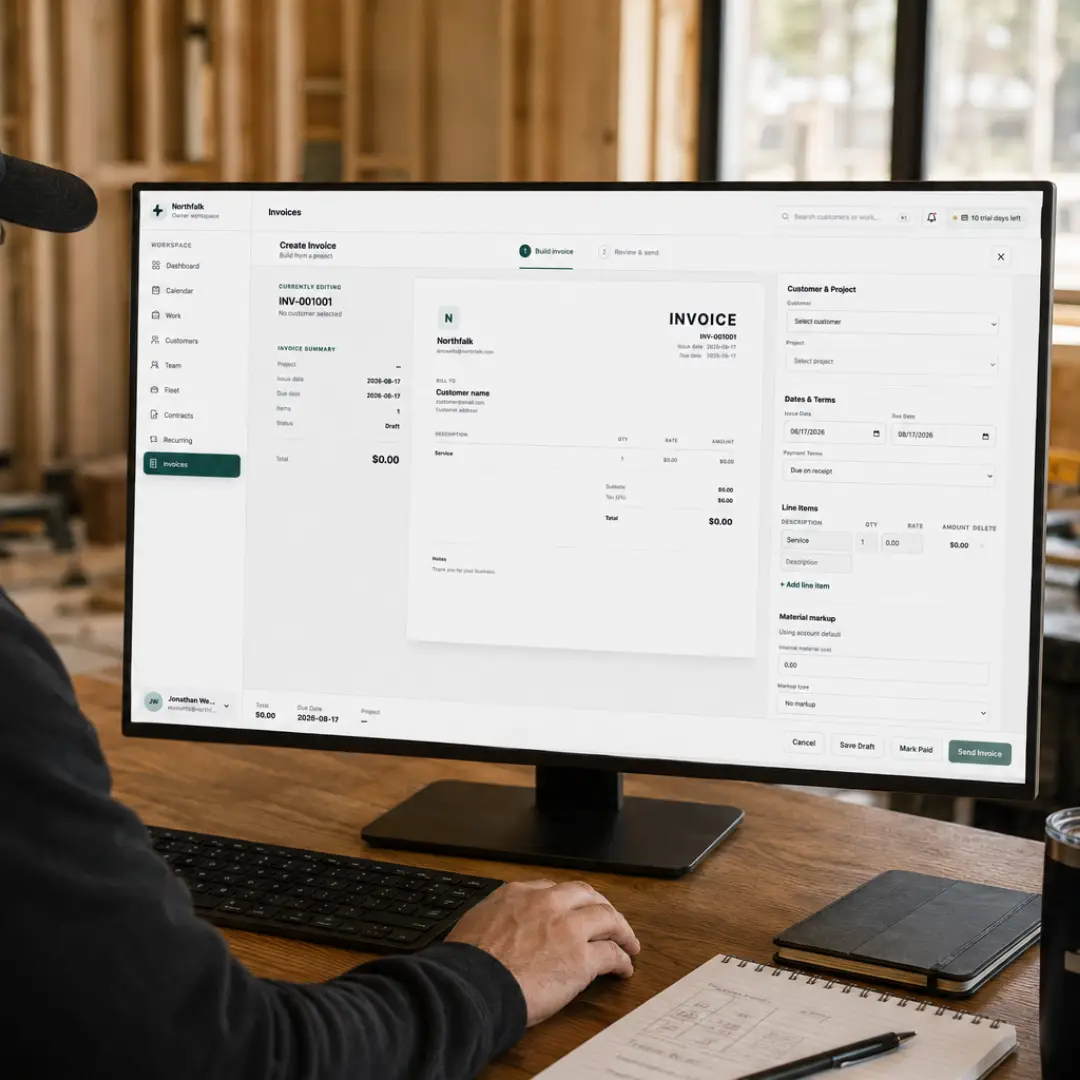
Job costing and payments built around the project
The price you quoted, materials you purchased, approved changes, invoice, and customer payment shouldn't live in separate systems.
Taskavo keeps the financial side of the job connected to the work itself so contractors can move from estimate to project to invoice without rebuilding the numbers every step of the way.
Keep job pricing connected from estimate to payment
Don't start the financial side of the job over every time it moves to the next stage. Taskavo can build invoice information from the work that already exists, keeping customer and project pricing connected through the job lifecycle.
The numbers that sold the job stay connected to the numbers used to bill it.

Protect your material margin before the invoice goes out
Material cost isn't the same as what the customer should pay. Track material cost and apply your preferred markup so material pricing reflects the margin your business needs instead of passing raw cost directly to the customer. Taskavo currently supports no markup, fixed markup, or percentage-based material markup, including account-level defaults and invoice-level pricing.
Know your cost. Apply your markup. Protect the margin before the customer sees the invoice.

Turn completed work into an invoice without rebuilding it
Customers receive one secure proposal link with everything needed to approve the job. They can accept or decline without creating an account. Taskavo records proposal views, customer decisions, signer details, and electronic consent.Billing should be the next step in the project—not another data-entry project.
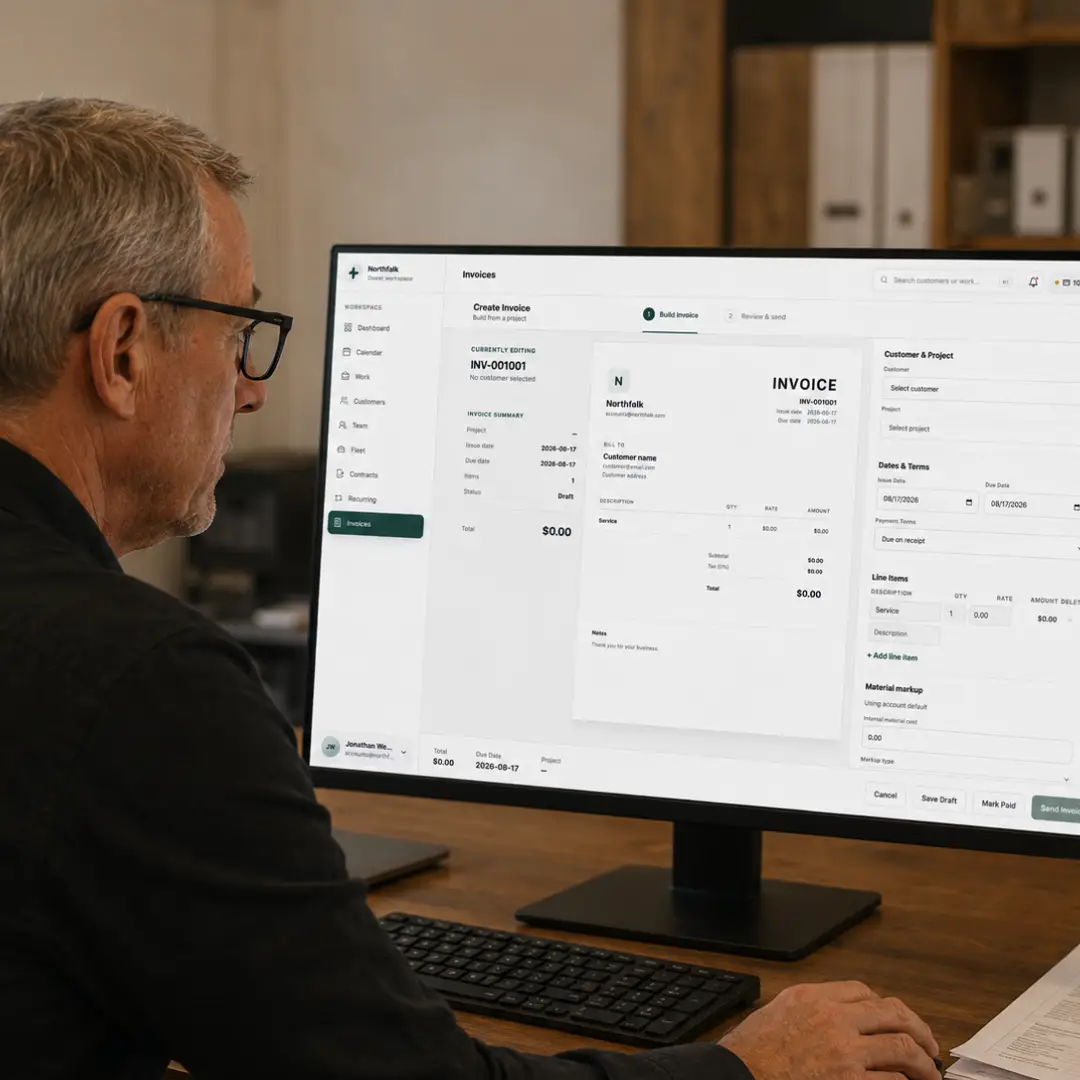
Select the project and Taskavo can use the existing pricing and scope to prepare the invoice, giving you the opportunity to review the details before sending it.
Finish the job, review the invoice, and send it without recreating the work you've already done.
Collect deposits and partial payments on your terms
Not every contractor waits until the entire project is finished to get paid.
Set payment terms, collect a deposit when appropriate, allow partial payments, and keep the remaining balance tied to the invoice.
Taskavo's invoice system currently supports deposit amounts, percentage-based deposits, partial payments, due dates, and remaining balances.
Structure payments around how your business actually gets paid.

Stop finding out what you made on the job after the money is gone
A profitable estimate can lose margin through material costs, changes, inconsistent pricing, and billing mistakes.
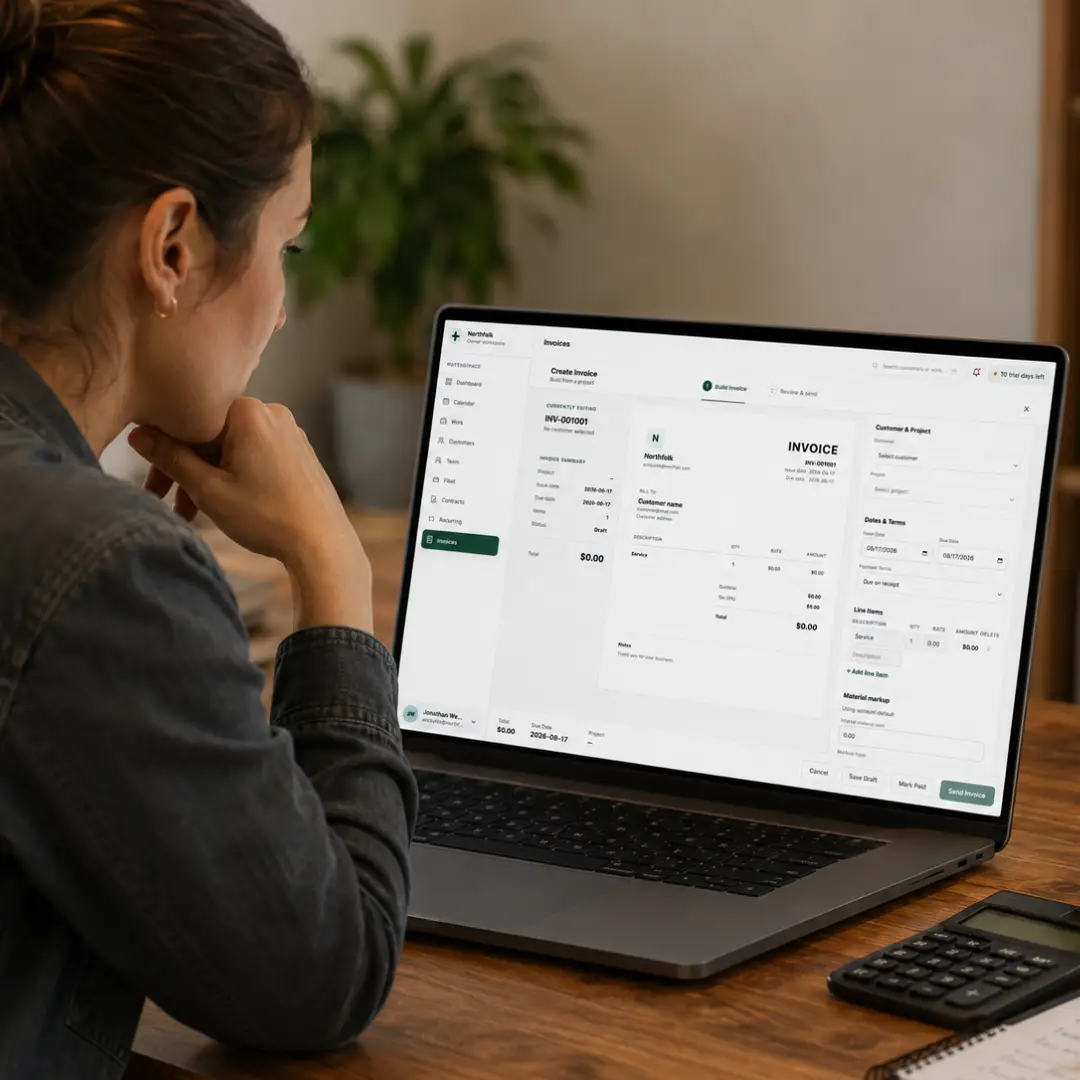
Taskavo keeps job pricing and payment information connected so the financial story of the project doesn't disappear between the estimate, field work, invoice, and payment.
One job. One financial trail. From price to payment.
Carry the numbers from estimate through project changes, invoicing, and customer payment without rebuilding the job in disconnected systems.
Have Questions? Find Answers
Don't see the answer here? Reach out to our friendly support team members ready for you.
Contractor job costing software helps a business connect the financial information associated with a project—including pricing, material costs, markups, changes, invoices, and payments—so the business can better understand what it is charging and what the customer still owes.
Stop finishing the job before you know where the money stands.
Keep project pricing, materials, changes, invoices, balances, and customer payments connected from the first estimate through final payment.

 Sales · demos · product help · support