
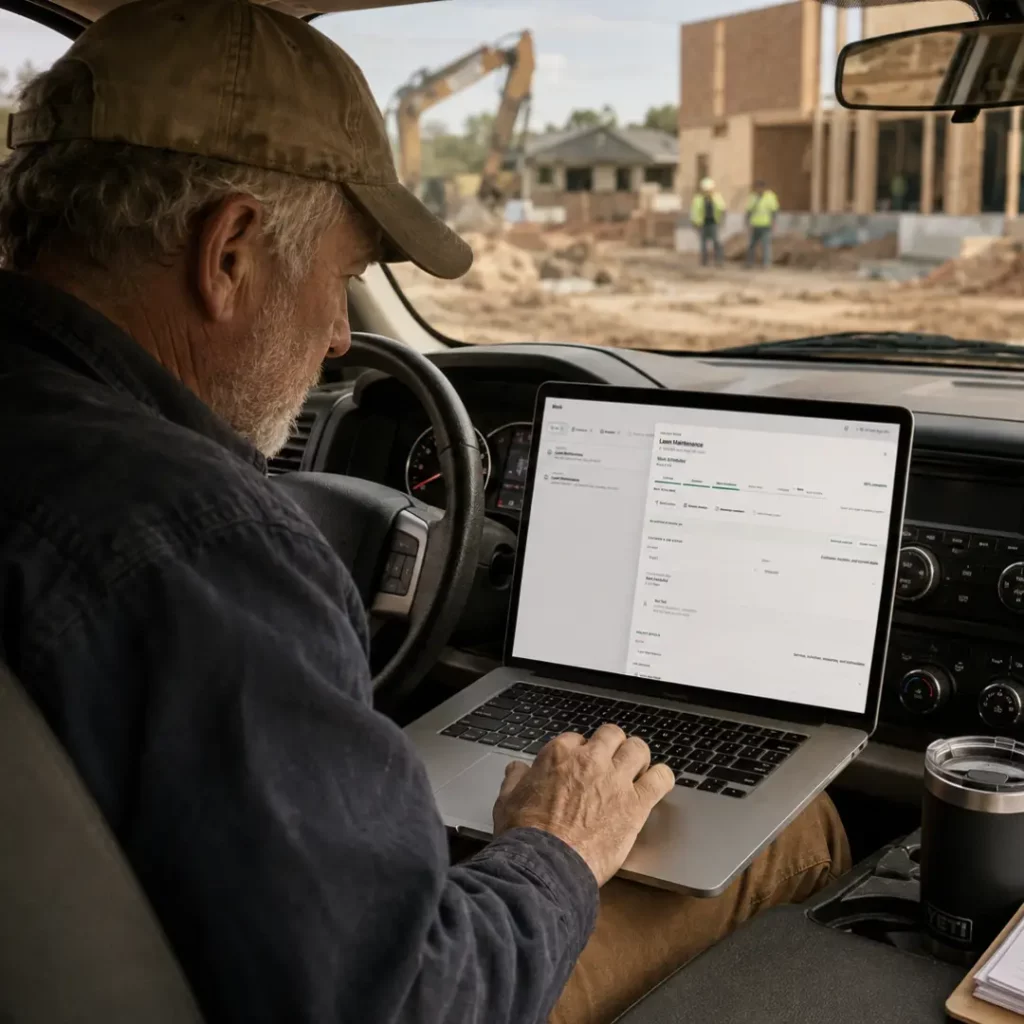
Tracking employee time by construction project is crucial for accurately managing labor costs, maintaining project schedules, and ensuring profitability. This involves not only recording hours worked but also understanding how those hours impact the overall project. By implementing effective time-tracking methods, contractors can gain valuable insights into labor efficiency, identify areas for improvement, and provide better estimates for future projects. In this article, we’ll explore practical strategies for tracking employee time, common pitfalls to avoid, and how connected contractor management software, like Taskavo, can streamline the entire process.
Why is Tracking Employee Time Important?
Understanding how much time employees spend on specific projects allows contractors to:
- Control Labor Costs: Knowing the actual hours worked helps in controlling budgets and ensuring that projects remain profitable.
- Improve Project Scheduling: Tracking time can reveal bottlenecks and inefficiencies, enabling better scheduling and resource allocation.
- Enhance Accountability: When employees log their hours accurately, it fosters a culture of accountability and responsibility.
- Provide Accurate Estimates: Historical time data helps in creating more accurate bids for future projects.
How to Track Employee Time by Construction Project
1. Establish Clear Time-Tracking Policies
Before implementing a time-tracking system, it’s essential to establish clear policies. This includes:
- Defining what constitutes work hours (e.g., overtime, breaks).
- Setting expectations for when and how employees should log their time.
- Communicating the importance of accurate time reporting to all team members.
2. Choose the Right Time-Tracking Method
There are several methods for tracking employee time, and the best choice depends on your team’s size, the complexity of projects, and available resources. Here are a few common methods:
- Manual Time Sheets: Employees fill out paper or digital time sheets at the end of each week. This method is simple but prone to errors and requires manual data entry.
- Time-Tracking Software: Using dedicated time-tracking software can automate the process. Employees can log hours directly into a system, reducing errors and providing real-time data.
- Mobile Apps: For field workers, mobile apps allow them to clock in and out on-site, making it easier to track time spent on various projects.
3. Implement a Continuous Feedback Loop
Regularly review time-tracking data with your team. This can help identify any discrepancies or areas for improvement. Consider holding weekly or bi-weekly meetings to discuss:
- How time is being spent on projects.
- Challenges faced by team members in logging their hours.
- Adjustments needed to improve efficiency.
4. Use Job Codes for Better Project Tracking
Assigning job codes to different tasks can help categorize the time spent on various activities. For example, if you’re working on multiple projects, each project can have a unique code, and employees can use these codes when logging their hours. This method allows you to:
- Analyze time spent per project.
- Identify which projects are most time-consuming.
- Evaluate labor costs against project budgets.
5. Integrate Time Tracking with Other Project Management Tools
For a seamless workflow, it’s beneficial to use contractor management software that integrates time tracking with other project management tools. This allows for:
- Real-time updates on project costs and budgets.
- Automatic generation of invoices based on logged hours.
- Enhanced communication between field teams and office staff.
For example, Taskavo connects time tracking directly with job costing and invoicing, ensuring that all project data is in one place and easily accessible.
Common Mistakes to Avoid When Tracking Time
1. Lack of Consistency
Inconsistent time reporting can lead to unreliable data. Ensure that all employees understand the importance of logging their hours consistently and accurately.
2. Overcomplicating the Process
While detailed tracking can provide valuable insights, overly complex systems can frustrate employees. Aim for a balance between detail and usability.
3. Ignoring Employee Feedback
Employees on the ground often have the best insights into what works and what doesn’t. Encourage them to share their experiences with the time-tracking process and make adjustments as needed.
How Connected Contractor Management Software Can Help
Using contractor management software like Taskavo simplifies the time-tracking process by integrating it with other essential project management functions. This ensures that all project data, including time logged, budgets, and expenses, is interconnected. With features such as:
- Automated time tracking for field operations.
- Real-time updates on labor costs.
- Integrated invoicing based on actual hours worked.
Taskavo helps contractors save time, reduce errors, and improve project outcomes.
Frequently Asked Questions
1. What is the best method for tracking employee time on construction projects?
The best method depends on your specific needs. Manual time sheets can work for smaller teams, while larger companies may benefit from dedicated time-tracking software or mobile apps for field workers.
2. How can I encourage my team to log their hours accurately?
Communicate the importance of accurate time tracking and provide training on how to use the chosen system. Regular feedback sessions can also help reinforce this practice.
3. What are job codes, and how do they help with time tracking?
Job codes are unique identifiers assigned to specific tasks or projects. They help categorize time spent on different activities, making it easier to analyze labor costs and project budgets.
4. How often should I review time tracking data?
It’s beneficial to review time tracking data at least bi-weekly or monthly. Regular reviews help identify trends, discrepancies, and areas for improvement.
5. Can contractor management software integrate with my existing systems?
Many contractor management software solutions, including Taskavo, offer integration capabilities with existing systems, allowing for a streamlined workflow across all project management functions.
In summary, tracking employee time by construction project is a vital practice that can lead to better cost management, improved project outcomes, and increased accountability within your team. By implementing clear policies, choosing the right methods, and leveraging integrated software solutions, you can enhance your time-tracking processes significantly. To explore how Taskavo can assist in connecting your project management needs, consider starting a trial or learning more about the platform.
Related Taskavo Resources
Run the Work With Taskavo
Taskavo helps contractors connect estimating, projects, field operations, teams, customers, job costing, change orders, invoicing, and day-to-day job visibility in one platform.
If this topic is part of a larger workflow problem in your business, Taskavo is built to keep the work connected from the first estimate through project completion.

 Sales · demos · product help · support